Download assets
M1/M2/M3 (ARM64):
Install
Open the dmg file and a new volume will be presented;
drag'n'drop the Krux-Installer to the Applications folder:
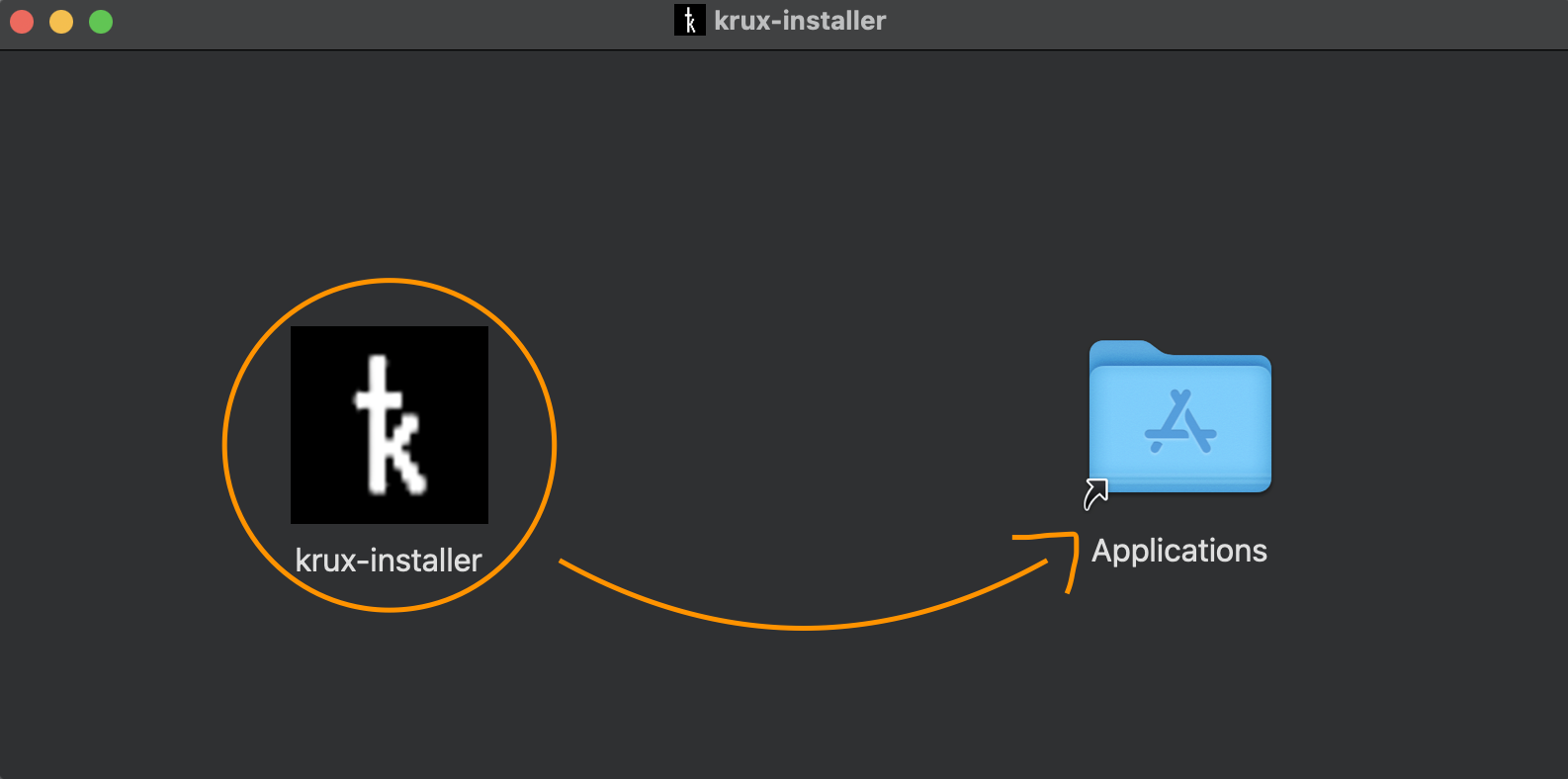
Before run, you'll need to remove the quarantine flag from application. This occurs because we have not added the Apple's code signing and notarization.
To fix this, open your terminal and execute the following command:
xattr -d com.apple.quarantine -r /Applications/krux-installer.app
After install
Once done, you will use Krux-Installer GUI to perform the firmware installation.